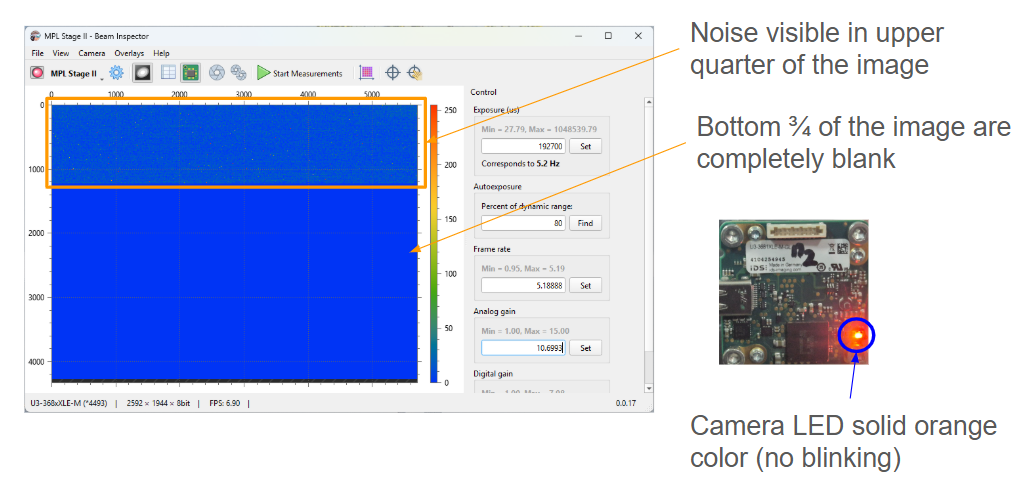
Trouble Shooting for Beam Inspector
USB bandwidth too low (USB 2.0 instead of USB 3.0)
Make sure the USB port the camera is connect to can run at USB 3.0 5 gbit/s bandwidth
Connect the camera directly to the PC with the supplied cable. No USB hubs, no USB extenders, no USB extension cables
Try a different USB port
Try a different PC with USB 3.0 ports